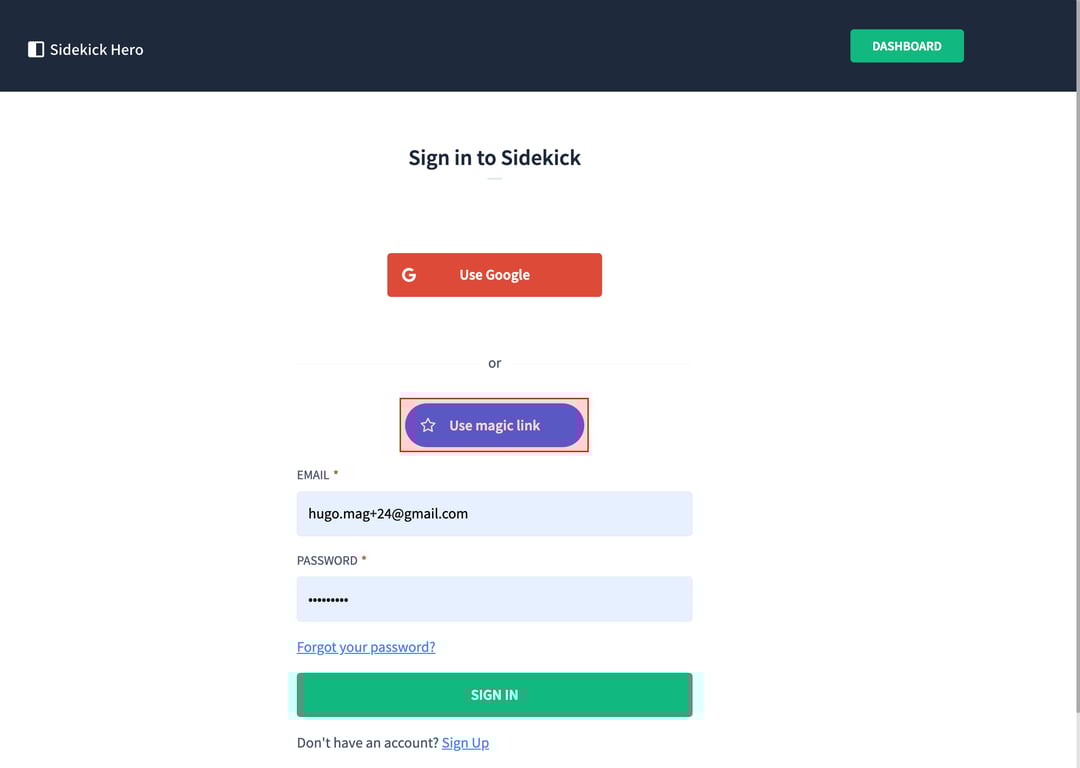
This guide explains how to sign in to Sidekick using the magic link feature, which allows you to log in without entering a password. The process involves selecting the magic link option, entering your email address, and clicking a link sent to your email inbox.
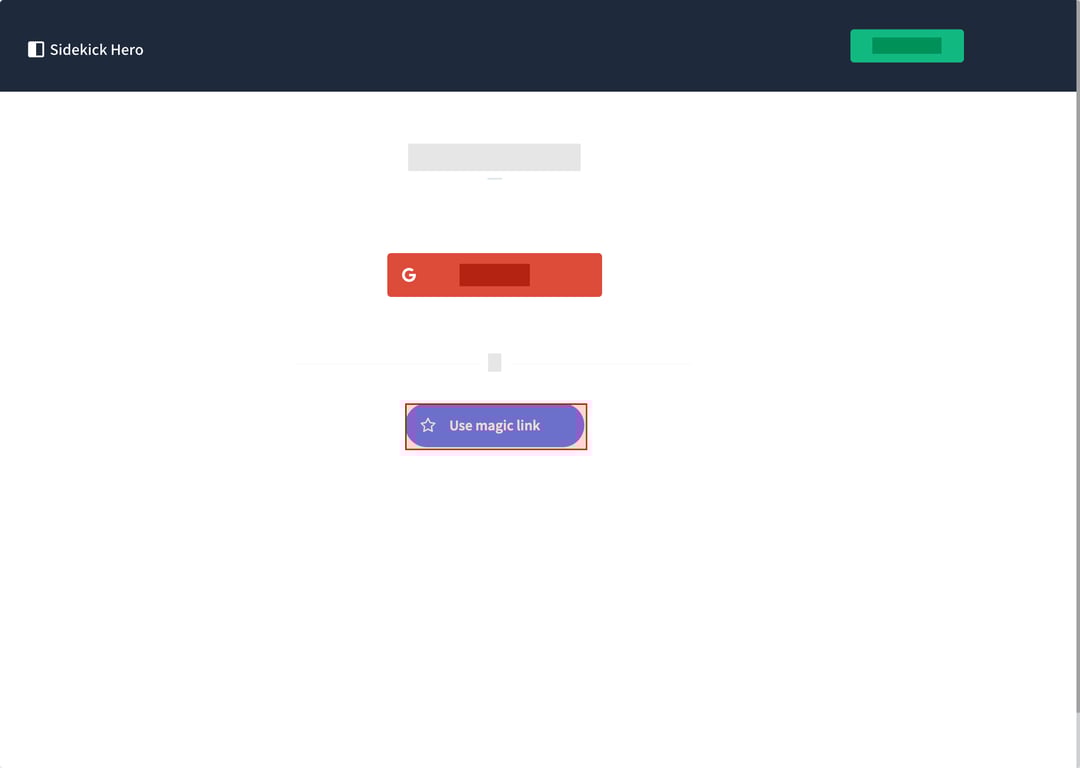
(1) On the Sign in to Sidekick page, locate and click the "Use magic link" button. This option is available as an alternative to signing in with Google or using a password.
(2) On the Sign in to Sidekick page, locate and click the "Use magic link" button. This option is available as an alternative to signing in with Google or using a password.
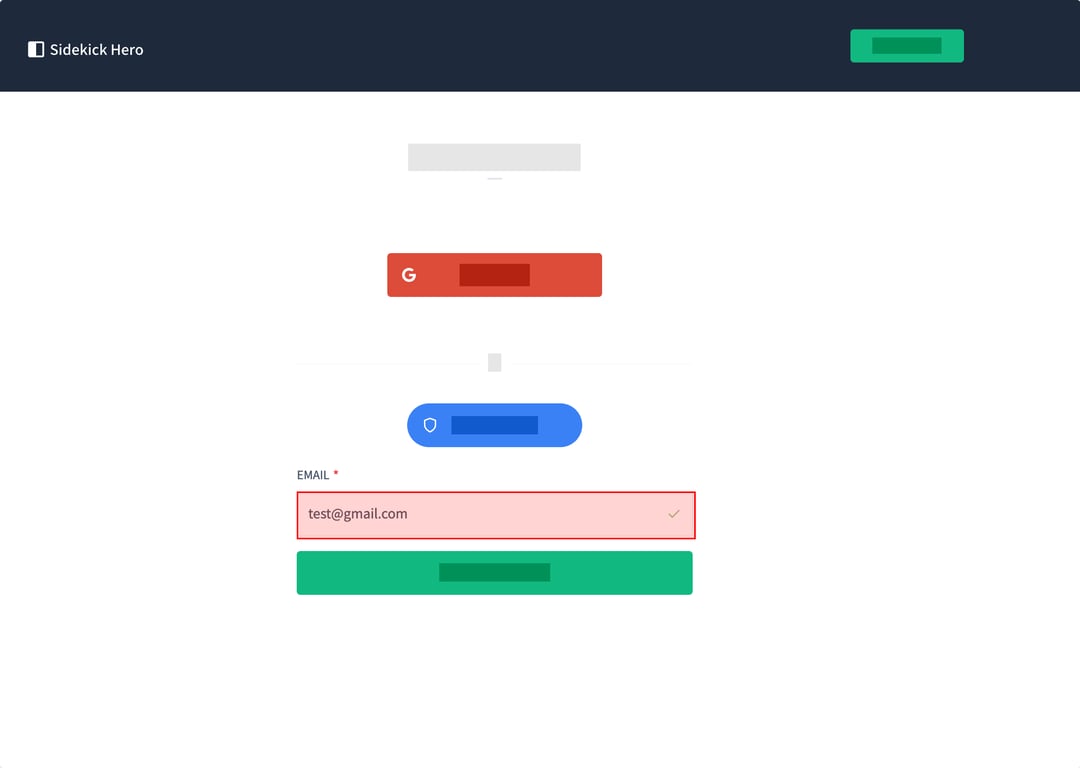
(3) In the email field that appears, enter your email address associated with your Sidekick account.
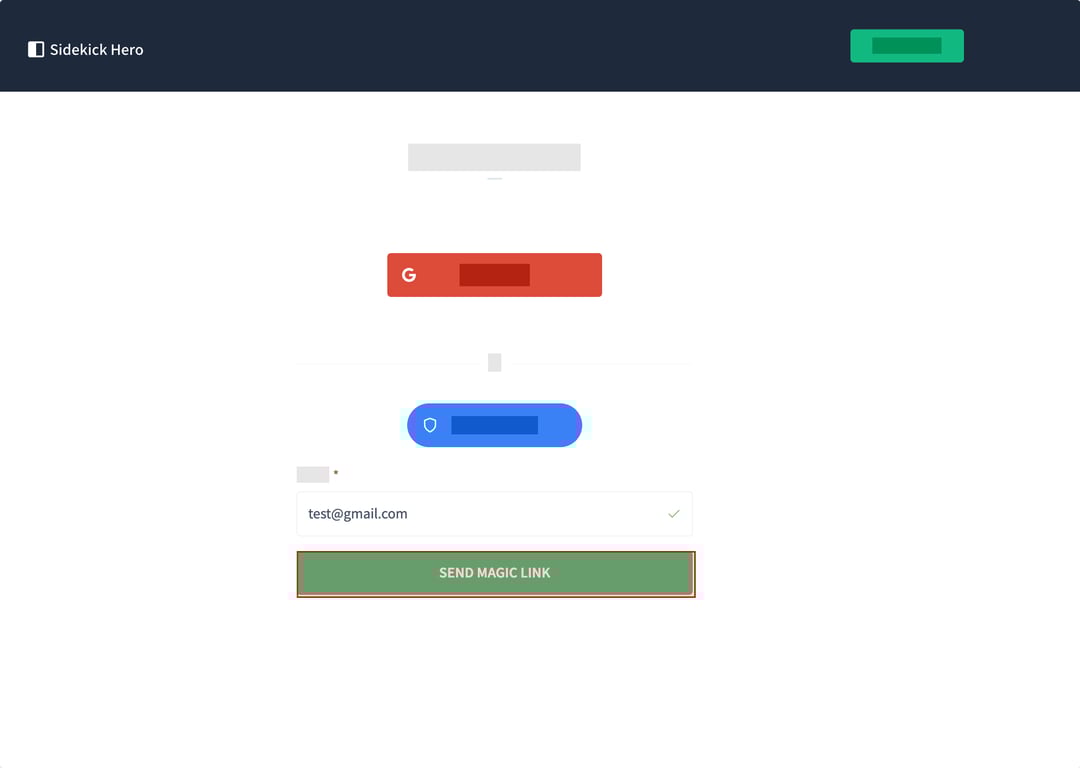
(4) After entering your email address, click the "Send Magic Link" button. This action will trigger Sidekick to send a login link to your email inbox.
(5) You will see a confirmation message stating "Check Your Email". The message instructs you to click the link in your email inbox to complete the sign-in process. Check your email and click the provided link to access your Sidekick account.